

Your fleet can earn more with Druppify
Join the ecosystem as a service provider — with your vehicle or your transport company — and access the demand that operations post, without having to go looking for clients.

Two ways to join
The ecosystem has room for the independent driver and for the company with fleet and crews. Choose your path.
I own a vehicle
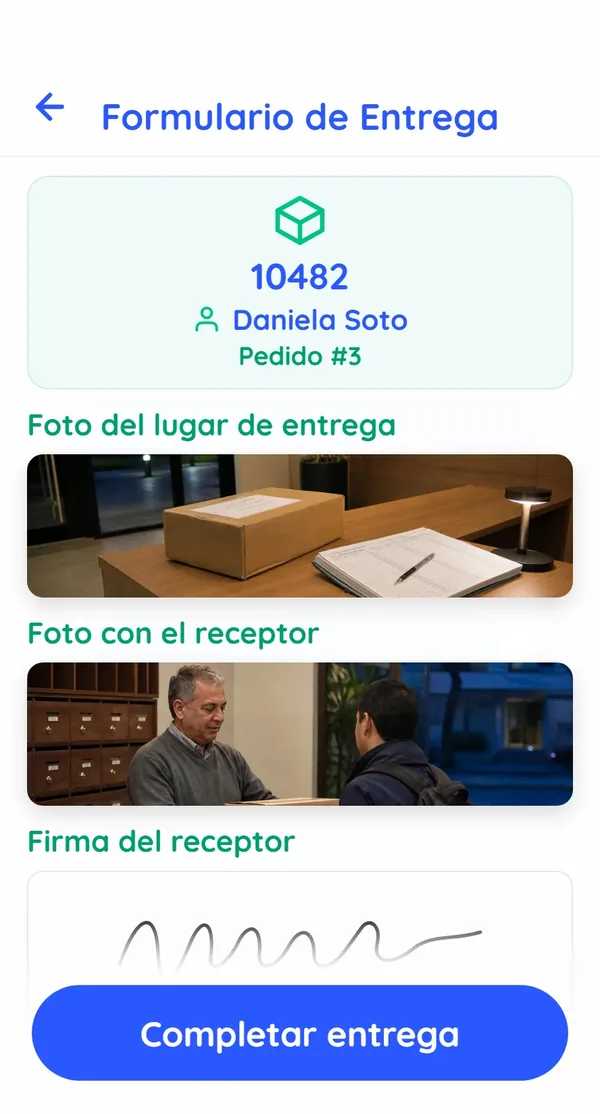
Drive whenever you want, on a flexible basis: you take the services and routes that suit you from the app and get paid for each completed service.
- Services and routes visible in the app — you choose
- Car, motorbike, van or truck — depending on the service
- Clear per-service payments, no fine print
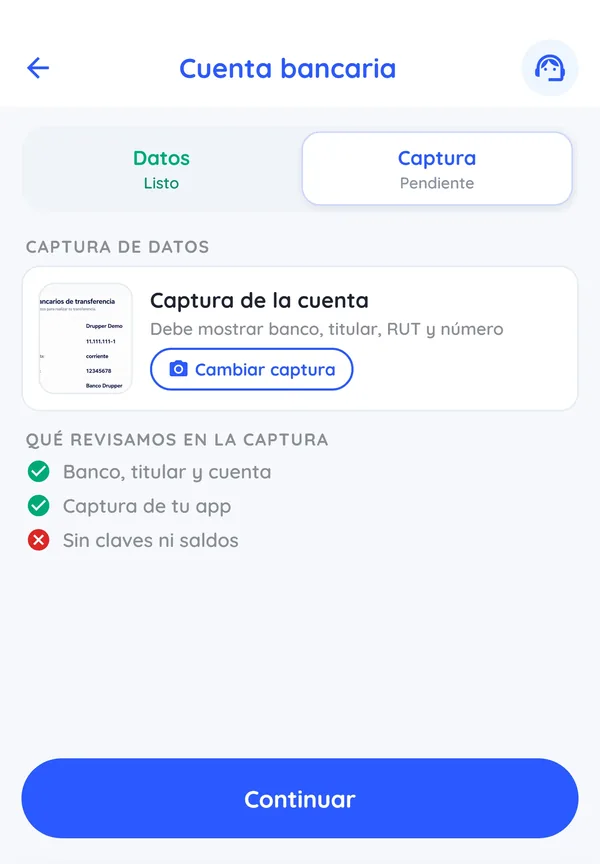
- Documents and accreditation online
I run a transport company
Bring your legal entity into the ecosystem: receive services and slots from operators, name your people and invoice B2B against clear payment statements.
- Full crews: driver, loader, helper
- Web portal for your company: services, people and vehicles
- Reconcilable payment statement before issuing your invoice
- Company and fleet documentation up to date, in one place

How it works for companies
-
Apply with your fleet
Tell us what vehicles and team you have, and the areas where you operate.
-
Accredit your company
Upload your company's, your people's and your vehicles' documentation — all digital.
-
Receive demand
Operators assign you services or post slots that your company fills with its people.
-
Invoice without surprises
Each period you close a payment statement itemised by service; you accept it and invoice against it.
What you need to get started
-
Vehicle per service
From motorbike and car to 3/4 truck: each service defines its vehicle type and equipment.
-
Valid documentation
License, technical inspection and permits up to date — for companies, also your team's labor documentation.
-
A drive to operate well
Operations reward reliability: good attendance and correct deliveries count in your favour.
Frequently asked questions
Nothing. Posting is free and for the carrier everything is free. Whoever ships pays.
Registration is done through the Druppify mobile app. Download it from the App Store (iOS) or Google Play Store (Android), choose the option to register as a Drupper and complete the form with your details. Once you submit your application, our team will review it and contact you with the next steps in the activation process.
Yes, Druppify is available for both iOS (iPhone/iPad) and Android devices. You can download the app from Apple's App Store or the Google Play Store. Make sure you are on the latest version of your operating system for the best experience.
Apply with your fleet
Leave us your details and the network team will contact you to accredit your company or your vehicle.
I want to add my company